
Imagine this: you’re at the emergency room after a fall. You can’t remember all the pills you take. Your doctor asks for your medication list. You rattle off five names, but forget the blood thinner you started last month because your cousin gave you a refill from his pharmacy. That’s not rare. In fact, 53% of patients have at least one error in their medication list when admitted to the hospital - and many of those mistakes come from pills picked up at different pharmacies.
That’s where personal health records (PHRs) come in. Unlike hospital records you can’t access, PHRs are yours. You control them. You update them. And when you use them right, they stitch together every prescription, over-the-counter pill, and supplement from every pharmacy you’ve ever visited - even if they’re not part of the same chain.
What a PHR Actually Does for Your Medications
A PHR isn’t just a digital notebook. It’s a live feed that pulls data from multiple sources: your CVS, your local independent pharmacy, your mail-order service, even cash purchases you paid for out of pocket. Systems like Apple Health Records, Surescripts, and Australia’s My Health Record use FHIR standards - a modern tech language that lets different systems talk to each other. They don’t just show what you’re taking. They show when you got it, who prescribed it, and sometimes even how much you paid.
Here’s what gets captured:
- Prescriptions filled at chain pharmacies (CVS, Walgreens, etc.)
- Prescriptions from smaller, local pharmacies
- Over-the-counter drugs like ibuprofen or melatonin
- Vitamins, herbal supplements, and CBD products
- Medications from past hospital stays or specialist visits
That last one matters. If you had a heart procedure last year and got a new blood thinner, but never told your primary doctor, your PHR might still have your old one listed - unless you update it. That’s the catch: PHRs only work if you keep them current.
Why Your Pharmacy Doesn’t Know Everything About Your Meds
Pharmacies don’t share data like social media posts. Each one runs on its own software - RX30, QS/1, InstaMed - and most don’t automatically send refill info to your PHR. Only about 68% of pharmacy transactions sync in real time. Cash purchases? Often left out. That’s why 37% of PHRs miss OTC medications entirely.
Even when data flows, it’s not perfect. A 2023 study found that 8.7% of medication history requests get the wrong patient because names are similar or addresses changed. And if you haven’t visited a pharmacy in over 13 months, some systems delete your record. That means if you switched from Walgreens to a local shop last year, your old prescriptions might vanish from your PHR - even if you’re still taking them.
And then there’s the human factor. Patients often enter meds wrong. One Duke University audit found that 61% of patient-entered medications had dosage errors. Typing “20 mg” instead of “200 mg” for a thyroid pill? That’s not a typo - that’s a risk.
Apple Health vs. Surescripts: Which One Actually Works?
You might think all PHRs are the same. They’re not.
Apple Health Records is easy. If you use an iPhone, it automatically pulls prescriptions from pharmacies that connect to Apple. It’s great for consumers - no login needed, clean interface, syncs with your calendar for refill reminders. But here’s the catch: it only shows what your pharmacies send. That’s about 68% of your full history. If you bought a painkiller at a gas station or got a new statin from a clinic that doesn’t integrate with Apple, it won’t show up.
Surescripts is the behind-the-scenes powerhouse. Used by hospitals, pharmacies, and insurers, it connects to 22 billion transactions a year. It gets data from PBMs (pharmacy benefit managers), which cover 92% of all prescriptions. That’s why pharmacists use it during medication reconciliation - it’s the most complete picture you’ll get without manually entering everything.
But Surescripts isn’t for you to log into. You see its results through your doctor’s portal or your pharmacy’s app. Apple gives you control. Surescripts gives you completeness. You need both.

How to Actually Use Your PHR to Stay Safe
Having a PHR doesn’t help if you never open it. Here’s how to make it work:
- Start with a full list. Go through every pill bottle in your house. Write down the name, dose, frequency, and why you take it. Don’t skip the gummy vitamins or the melatonin you take for sleep.
- Enter everything into your PHR. Use Apple Health, MyChart, or your pharmacy’s app. If it won’t let you add a supplement, type it in as “Other” or “Herbal.”
- Update it every time you change something. Got a new prescription? Add it. Stopped taking a pill? Delete it. Forgot to take it for a week? Still mark it as active unless your doctor says to stop.
- Share it before every appointment. Bring a printed copy or show it on your phone to your doctor, pharmacist, or ER staff. Say: “This is my current list. Please check it against your records.”
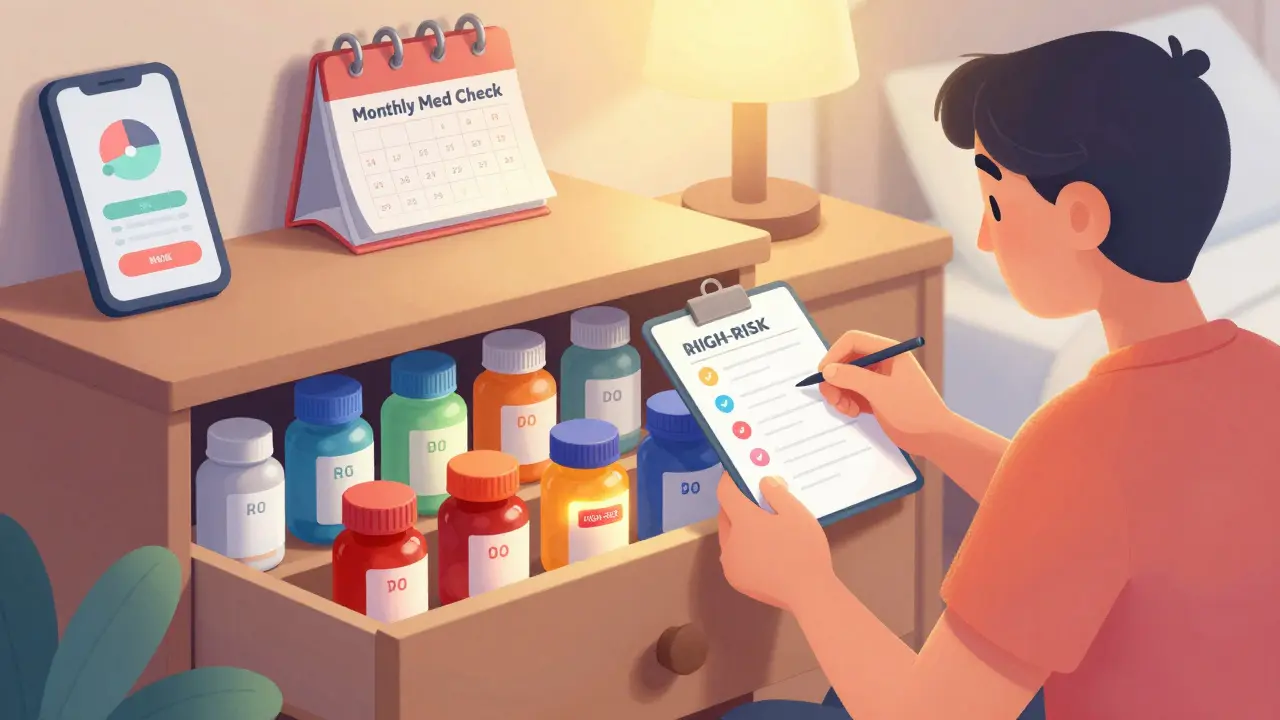
- Check it monthly. Look for gaps. Did your blood pressure med disappear from the list? Did a new one appear you don’t recognize? Call your pharmacy.
At the University of Pittsburgh, patients who did this regularly were 82% more confident managing their meds. But only 44% of them actually kept the list updated. That’s the gap between having a tool and using it.
What Happens When PHRs Work Right
When everything clicks, the results are dramatic.
At hospitals using Surescripts, pharmacists cut medication reconciliation time from 12.4 minutes per patient down to under 4 minutes. That’s not just efficiency - it’s safety. Fewer mistakes mean fewer falls, fewer ER visits, fewer hospital readmissions.
One study found that every $1 spent on PHR medication management saved $4.37 in avoided hospital costs. That’s because when your meds are accurate, you’re less likely to have a bad reaction, an overdose, or a dangerous interaction.
In Australia, where nearly everyone is enrolled in My Health Record, duplicate prescriptions dropped by 28%. That means fewer people getting two different blood thinners from two different doctors - a common and deadly error.
The Real Problem: You’re the Missing Link
Technology can do a lot. But it can’t fix what you don’t tell it.
Pharmacists spend an average of 8.3 minutes per patient just correcting wrong info in PHRs. That’s time they could be counseling you on side effects or checking for drug interactions. But they’re stuck playing detective because you didn’t update your list.
And here’s the quiet danger: 63% of total medication use isn’t captured in most PHRs. That includes things like:
- Medications you got from a clinic that doesn’t share data
- Drugs you bought while traveling
- Supplements your friend swore by
- Prescriptions you stopped taking but never told anyone
These gaps are why doctors still ask you, “What are you taking?” even when you’ve got a PHR. Because they know - you might not have told it everything.
What’s Changing in 2025
Things are improving - slowly.
Starting July 2024, U.S. law requires pharmacy benefit managers to share 45 days of your prescription history with your PHR if you give consent. That’s a big deal. It means even if you use a mail-order pharmacy, your list will be more complete.
Some pharmacies are now using AI to predict medication errors. Google Health’s prototype can spot a likely mix-up with 92% accuracy by comparing your PHR to similar patients’ records. But it’s still in testing.
The biggest shift? More systems are finally letting you add OTC meds and supplements without rejecting them. Apple, MyChart, and others now have “Other Medications” fields. You just have to use them.
Bottom Line: Your PHR Is Only as Good as Your Updates
Managing medications across pharmacies isn’t about having the fanciest app. It’s about consistency. It’s about treating your PHR like your wallet - something you check regularly, update when things change, and show to anyone who needs to know what’s inside.
If you take more than three medications - even if they’re just vitamins - you need a PHR. And if you’re not updating it, you’re playing Russian roulette with your health.
Start today. Open your phone. Go to Health. Tap “Medications.” Add what you’re taking. Delete what you’re not. Do it again next month. That’s not tech. That’s care.
Can I add over-the-counter meds to my PHR?
Yes. Most modern PHRs - like Apple Health, MyChart, and My Health Record - now let you manually add OTC drugs, supplements, and herbal products. Don’t assume they’ll auto-detect them. You have to enter them yourself. Even if the system doesn’t recognize the name, type it in anyway. "Melatonin 3 mg" or "Turmeric 500 mg" is better than nothing.
Why don’t all my pharmacies show up in my PHR?
Not all pharmacies connect to the same health data networks. Big chains like CVS and Walgreens usually do. Smaller, independent pharmacies often don’t - especially if they use older software. Cash purchases are rarely reported. If a pharmacy isn’t linked, your meds from there won’t appear. You’ll need to add them manually.
Is my PHR data secure?
Yes, if it’s from a certified provider. Apple Health, Epic MyChart, and other major systems use AES-256 encryption and follow HIPAA rules. Your data is stored securely and only shared with people you authorize. However, if you use a random app you downloaded from the internet, it might not be safe. Stick to apps from your hospital, pharmacy, or phone maker.
Do I need to update my PHR if I stop taking a drug?
Absolutely. Outdated lists are dangerous. If your PHR still shows a blood thinner you stopped three months ago, your doctor might prescribe another one - leading to a dangerous overdose. Always remove discontinued meds. If you’re unsure, ask your pharmacist.
Can my doctor see my PHR without me sharing it?
No. Your PHR is private unless you give permission. Some doctors’ portals can pull data from connected pharmacies (like Surescripts), but they can’t access your personal PHR unless you log in and share it. Always check your privacy settings. You control who sees what.
What if my PHR shows a drug I never took?
That’s a data error - and it’s more common than you think. It could be from a mix-up at the pharmacy, a duplicate record, or someone else’s info being linked to yours. Don’t ignore it. Contact your pharmacy or PHR provider and request a correction. Print out the list and bring it to your next appointment to verify.
Should I use a PHR if I only take one medication?
Yes. Even one medication can interact with something new - like an OTC painkiller or a supplement. PHRs help catch those hidden risks. Plus, if you ever need emergency care, having even a simple list can prevent dangerous mistakes. It’s not about how many pills you take - it’s about knowing exactly what’s in your body.



Ronald Ezamaru on 9 December 2025, AT 18:47 PM
Been using Apple Health for my meds since my dad had that near-miss with the blood thinner mix-up. It’s not perfect, but when I manually add every OTC pill and supplement - even the turmeric gummies - it actually saved me during a recent ER visit. The nurse pulled up my list and said, 'Holy, you’ve got this down.' Took me 10 minutes a month. Worth it.